Visible on boards and cards
See the status in the board header, on card fronts and inside opened cards—even from a direct card link.
Free Trello Power-Up
Publish vacation, out-of-office and availability notices in your board header and cards—without another account, backend or tracker.
 Miki: On vacation
Back on August 10, 2026
Availability stays visible on the board, on relevant cards and when someone opens a card directly.
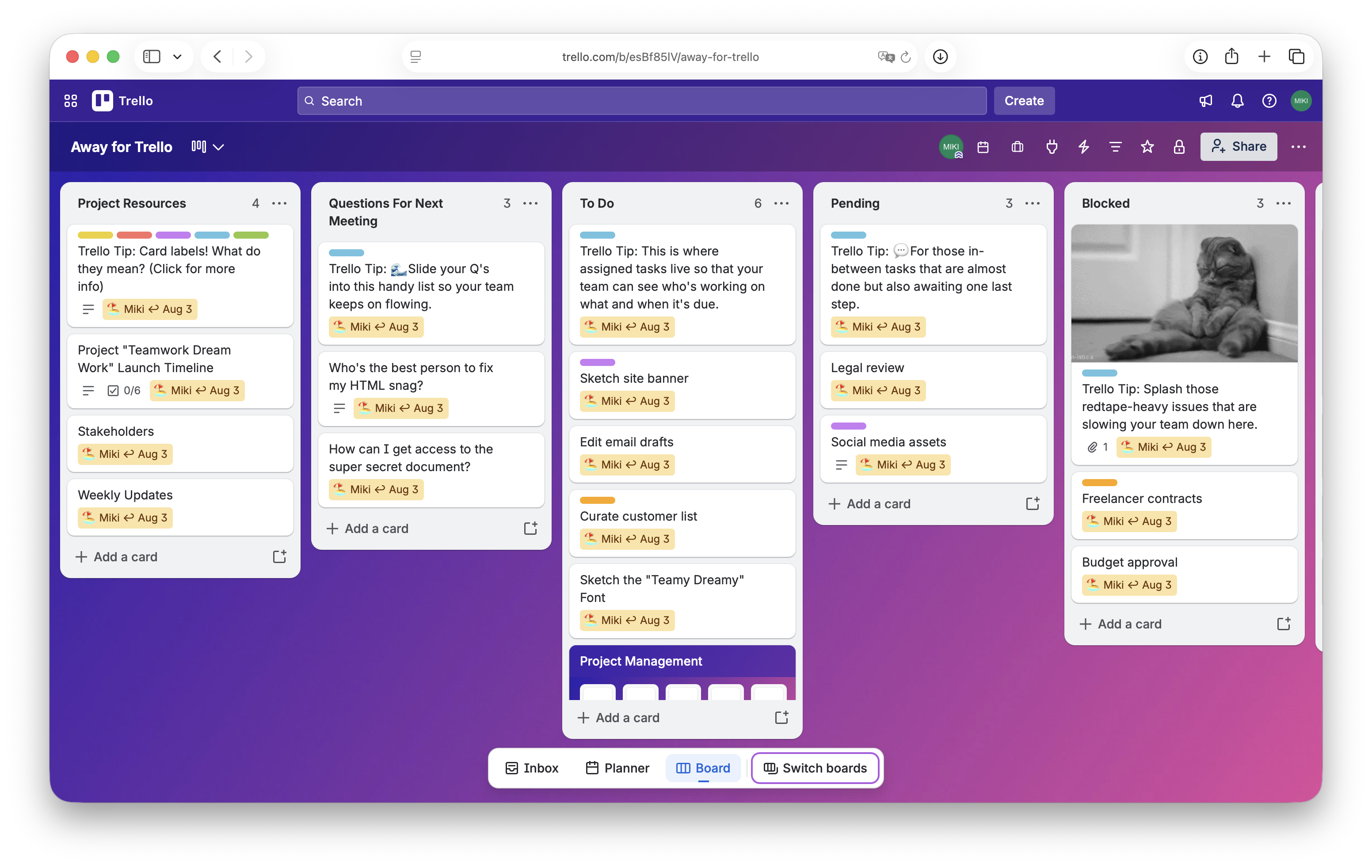
See who is away and when they return without opening each card.
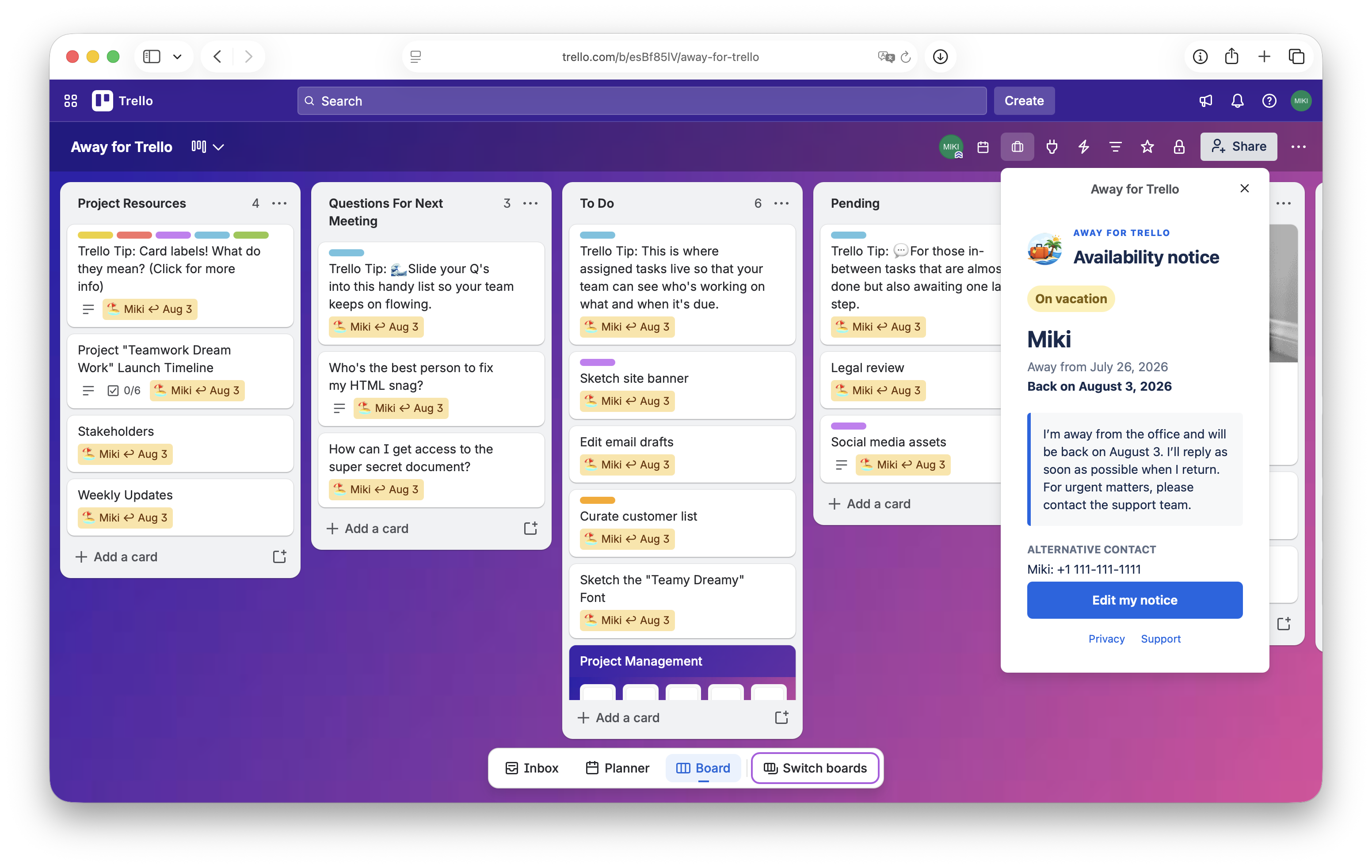
Share dates, a personal message and an alternative contact in one clear view.
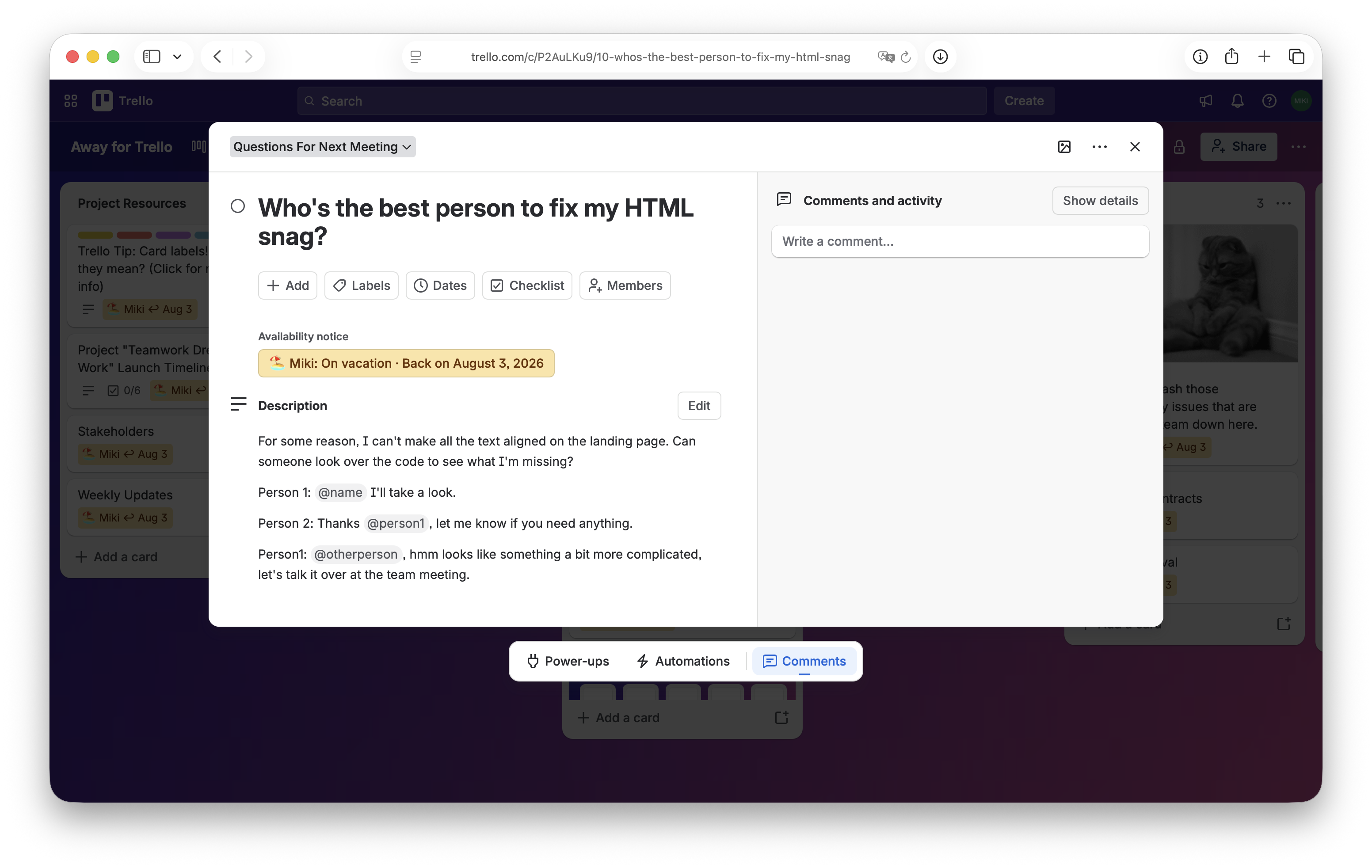
The notice is still there when someone follows a direct card link from an email or notification.
See the status in the board header, on card fronts and inside opened cards—even from a direct card link.
Show a notice on every card or only on cards assigned to the person who is away.
Add a return date and the notice will stop showing when the person comes back.
Enable Away for Trello on the board where you work with your team or clients.
Choose a status, dates, message, alternative contact and where it should appear.
Everyone sees when you will return and who to contact. You can edit your notice at any time.
Free, open source and privacy-friendly. No external account, analytics or database required.